

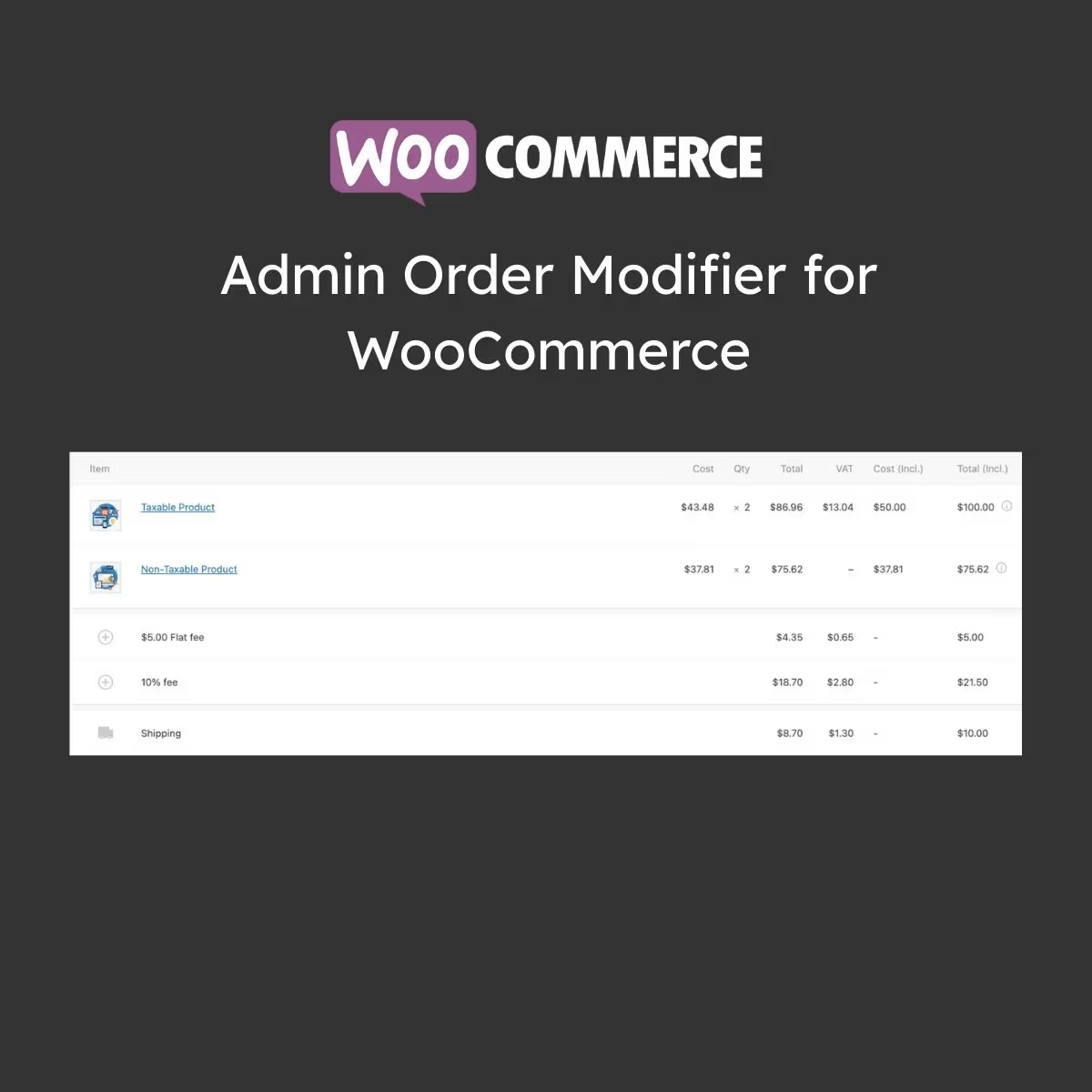
Admin Order Modifier for WooCommerce
- Very cheap price & Original product !
- 100% Clean Files & Free From Virus
- Unlimited Domain Usage
- Free New Version
- Product Version : 1.1.10
- Product Last Updated : 21.07.2026
- License : GPL
$3.99
Description
Admin Order Modifier for WooCommerce
Admin Order Modifier for WooCommerce is a powerful backend management plugin that allows store owners to easily edit, update, and manage WooCommerce orders without restrictions. It gives you full control over order details, helping you fix mistakes, update customer information, and streamline order workflows efficiently.
Designed for WooCommerce store owners, developers, and agencies, this plugin improves operational flexibility and reduces manual order management stress.
⚙️ Feature Highlights
- ✔️ Edit WooCommerce Orders After Placement
- ✔️ Modify Customer Details, Products & Quantities
- ✔️ Update Shipping & Billing Information Easily
- ✔️ Add or Remove Order Items Instantly
- ✔️ Real-Time Order Total Recalculation
- ✔️ Admin-Friendly Interface Inside WooCommerce Dashboard
- ✔️ Compatible with Most WooCommerce Themes & Plugins
- ✔️ Lightweight & Performance Optimized
📘 Detailed Overview
Managing WooCommerce orders can be difficult when changes are needed after checkout. Admin Order Modifier solves this problem by allowing full editing capabilities directly from the WordPress dashboard.
You can modify product quantities, update customer details, change shipping methods, and adjust pricing without deleting or recreating orders. This ensures faster customer support and better order accuracy.
Built for reliability and performance, this plugin integrates seamlessly with WooCommerce core and maintains data consistency across your store operations.
📊 Comparison Table
| Features | Admin Order Modifier | Default WooCommerce |
|---|---|---|
| Edit Orders After Placement | Fully Supported | Not Allowed |
| Customer Data Editing | Yes | Limited |
| Product Modification | Full Control | Not Available |
| Order Total Recalculation | Automatic | Manual Workaround |
| Ease of Use | Very Easy Admin UI | Complex Process |
| Updates | Lifetime Free Updates | Core Dependency |
⚙️ Installation Guide
- Download the plugin ZIP file.
- Log in to your WordPress Dashboard.
- Go to Plugins → Add New.
- Click Upload Plugin and select the ZIP file.
- Click Install Now and then Activate.
- Navigate to WooCommerce → Orders section.
- Select an order and click “Edit Order”.
- Modify required details and save changes.
🔐 Licensing Information
This product is distributed under the GPL (General Public License), allowing unlimited usage, modification, and redistribution across multiple websites.
- ✔️ 100% GPL Licensed Product
- ✔️ Unlimited Website Usage
- ✔️ Lifetime Free Updates Included
- ✔️ Limited Email Support from wpshop.net
❓ FAQs
1. Can I edit an order after checkout?
Yes, you can fully edit WooCommerce orders after they are placed.
2. Can I change product quantities in orders?
Yes, product quantities and items can be modified easily.
3. Will order totals update automatically?
Yes, totals are recalculated automatically after changes.
4. Is it compatible with WooCommerce updates?
Yes, it is fully compatible with latest WooCommerce versions.
5. Do I receive updates?
Yes, lifetime free updates are included from wpshop.net.
💡 Why Choose Admin Order Modifier for WooCommerce?
This plugin gives you full control over your WooCommerce orders, reducing errors and improving customer satisfaction. Instead of canceling or recreating orders, you can quickly edit and update everything directly from the admin panel.
It is an essential tool for any WooCommerce store that wants better order management, faster support handling, and improved operational efficiency.
🚀 Take control of your WooCommerce orders today!
Download Admin Order Modifier now, enjoy lifetime updates, and manage your store orders with complete flexibility and ease.
You must be logged in to post a review.

Reviews
There are no reviews yet.