

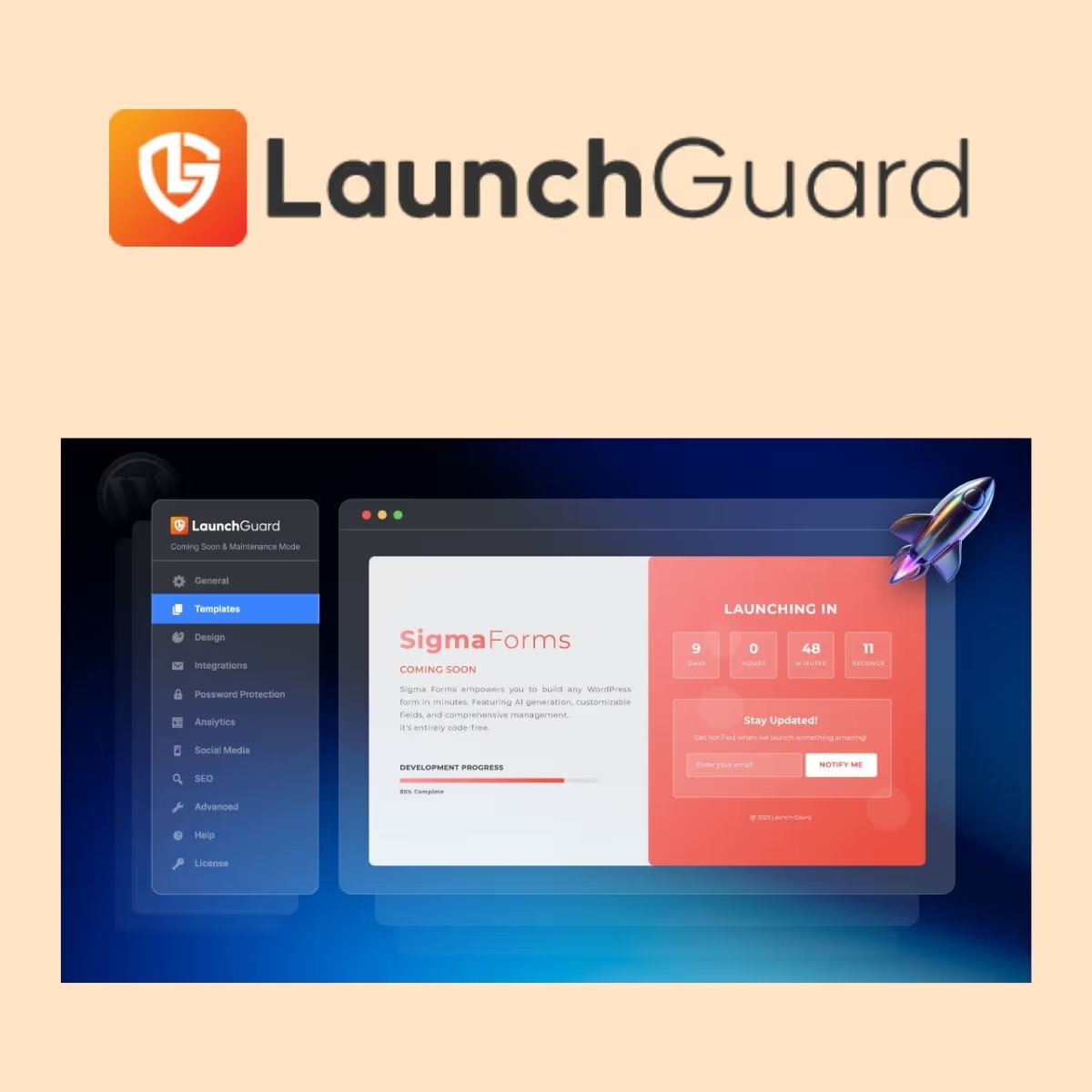
LaunchGuard Pro
- Very cheap price & Original product !
- 100% Clean Files & Free From Virus
- Unlimited Domain Usage
- Free New Version
- Product Version 1.4.0
- License : GPL
$3.99
Description
LaunchGuard Pro – WordPress Maintenance & Launch Management Toolkit
LaunchGuard Pro is a practical WordPress toolkit designed to help developers, agencies, freelancers, and business owners manage website launches, maintenance workflows, and controlled site access with greater confidence. Built for professional WordPress workflows, it helps streamline the final stages of development while keeping your website presentation polished and organized.
Whether you are preparing a new WordPress website, managing client projects, or coordinating changes on an existing installation, LaunchGuard Pro provides a focused workflow for handling launch-related tasks without unnecessary complexity.
Feature Highlights
- 🚀 Launch-Focused Workflow: Organize and manage key tasks involved in preparing a WordPress website for launch.
- 🛠️ Developer-Friendly Controls: Designed to fit naturally into professional WordPress development and maintenance workflows.
- 🔒 Controlled Website Presentation: Help manage how visitors interact with a site while development or launch preparations are underway.
- ⚡ Streamlined Administration: Reduce repetitive launch-management tasks from the WordPress dashboard.
- 🎯 Client Project Ready: Useful for agencies and freelancers delivering websites that require a structured pre-launch process.
- 📱 WordPress-Centric Experience: Built around the familiar WordPress environment instead of requiring a separate external platform.
- 🧩 Flexible Use Cases: Suitable for business websites, agency projects, landing pages, development environments, and website relaunches.
- 🔄 Long-Term Value: Receive lifetime free updates from wpshop.net so your purchased package can continue evolving with future releases.
Detailed Overview
Launching a WordPress website involves more than simply publishing pages. Developers and business owners often need to coordinate design reviews, content preparation, functionality checks, client approvals, SEO tasks, redirects, integrations, and final deployment.
LaunchGuard Pro is built to make that process more manageable. It gives WordPress professionals a dedicated solution for handling launch-oriented workflows while maintaining a professional experience for both administrators and site visitors.
For WordPress agencies and freelancers, LaunchGuard Pro can become part of a repeatable delivery process. Instead of treating every launch as a collection of disconnected manual steps, you can establish a consistent workflow across client websites.
For business owners, it provides a practical way to approach website launches and maintenance periods with greater organization. This is particularly useful when a website is being redesigned, migrated, rebuilt, or prepared for a public release.
LaunchGuard Pro is intended as a workflow-focused WordPress solution rather than an unnecessary collection of unrelated features. Its value comes from helping you approach website launch management in a more structured and professional way.
LaunchGuard Pro vs. Other WordPress Launch Solutions
Choosing a WordPress launch-management solution is often a balance between functionality, workflow simplicity, and ongoing value. LaunchGuard Pro is positioned for users who want a WordPress-native approach without unnecessarily complicating their development process.
| Capability | LaunchGuard Pro | Basic Maintenance Tools | Generic External Services |
|---|---|---|---|
| WordPress-focused workflow | ✓ | ✓ | Limited |
| Launch-oriented management | ✓ | Limited | Varies |
| Suitable for client projects | ✓ | Limited | Varies |
| Integrated WordPress administration | ✓ | ✓ | Usually requires external access |
| Repeatable agency workflow | ✓ | Limited | Depends on service |
| Lifetime free updates from wpshop.net | ✓ | Varies | Usually subscription-dependent |
Installation Guide
- Download the package: Download the LaunchGuard Pro ZIP package provided with your wpshop.net order.
- Log in to WordPress: Access your WordPress dashboard using an administrator account.
- Open Plugins: Navigate to Plugins > Add New Plugin.
- Upload the plugin: Select Upload Plugin, choose the LaunchGuard Pro ZIP file, and click Install Now.
- Activate LaunchGuard Pro: After installation completes, click Activate Plugin.
- Configure the plugin: Open the LaunchGuard Pro settings or relevant dashboard area and configure the available options according to your website’s launch workflow.
- Test before launch: Review the website from both administrator and visitor perspectives before making your site publicly available.
Tip: Always create a current backup before installing or updating WordPress plugins, particularly on production websites.
Licensing Information
LaunchGuard Pro is distributed by wpshop.net in GPL-compatible form, making it suitable for WordPress users who value the freedoms associated with the WordPress ecosystem.
- License: GPL-compatible distribution.
- Updates: Lifetime free updates from wpshop.net.
- Support: Limited support is provided by email for installation and product-related questions.
- Usage: Suitable for developers, freelancers, agencies, businesses, and WordPress project workflows.
Important: Third-party trademarks, names, and product branding remain the property of their respective owners. This product is offered independently and should not be interpreted as an official endorsement or affiliation unless explicitly stated.
FAQs
What is LaunchGuard Pro?
LaunchGuard Pro is a WordPress-focused toolkit designed to help developers, agencies, freelancers, and business owners manage website launch and maintenance workflows more efficiently.
Who should use LaunchGuard Pro?
It is suitable for WordPress developers, agencies, freelancers, site administrators, and business owners who regularly build, redesign, maintain, or launch WordPress websites.
Is LaunchGuard Pro suitable for client websites?
Yes. Its launch-oriented workflow makes it a useful addition to agency and freelance development processes where websites need to be reviewed, prepared, and delivered in a structured manner.
How do I install LaunchGuard Pro?
Upload the supplied ZIP package through Plugins > Add New Plugin > Upload Plugin in WordPress, install it, activate it, and then configure the available settings.
Does wpshop.net provide product support?
wpshop.net provides limited email support for product-related questions. Support scope may vary depending on the issue and the product itself.
Are updates included?
Yes. wpshop.net provides lifetime free updates for this product, helping you keep your installation current as new releases become available.
Why Choose LaunchGuard Pro?
LaunchGuard Pro is built for people who take WordPress website delivery seriously. Rather than relying on scattered manual processes, developers and business owners can incorporate a dedicated launch-management solution into their existing WordPress workflow.
- ✔ Designed with WordPress workflows in mind
- ✔ Useful for agencies, freelancers, and business websites
- ✔ Helps structure website launch and maintenance tasks
- ✔ Suitable for new builds, redesigns, migrations, and relaunches
- ✔ Professional, developer-friendly approach
- ✔ Limited email support from wpshop.net
- ✔ Lifetime free updates included
- ✔ GPL-compatible distribution for the WordPress ecosystem
Ready to make your WordPress launch workflow more organized? Add LaunchGuard Pro to your toolkit today and build a more consistent process for preparing, managing, and delivering WordPress websites. Get started with wpshop.net and take advantage of lifetime free updates plus limited email support.
You must be logged in to post a review.

Reviews
There are no reviews yet.