

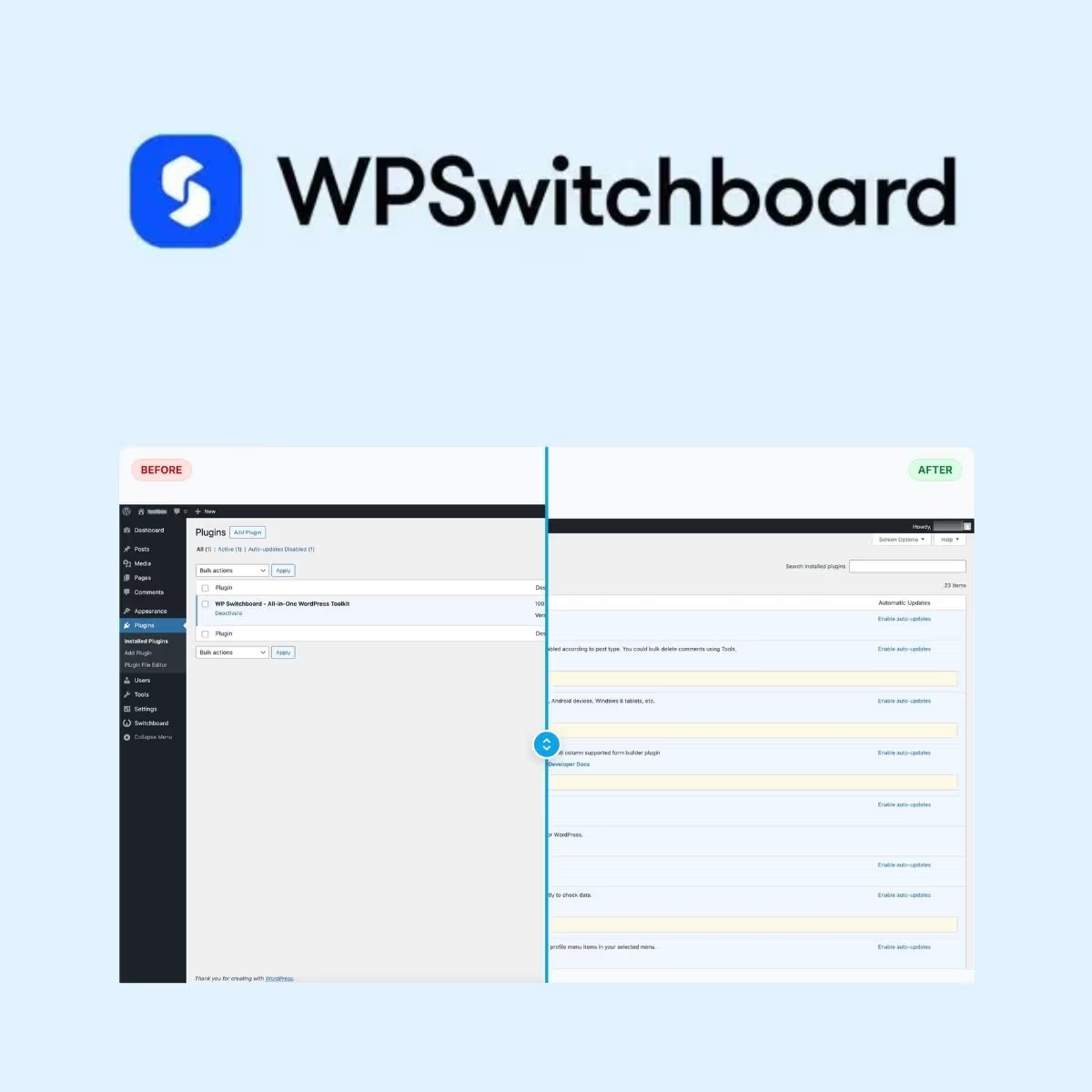
WP Switchboard Pro
- Very cheap price & Original product !
- 100% Clean Files & Free From Virus
- Unlimited Domain Usage
- Free New Version
- Product Version : 1.10.0
- Product Last Updated : 15.06.2026
- License : GPL
$3.99
Description
WP Switchboard Pro – Advanced WordPress Admin & Workflow Management
WP Switchboard Pro is a professional WordPress management solution designed to help developers, agencies, freelancers, and business owners streamline administrative workflows and keep essential website controls organized. Built for practical day-to-day WordPress management, it provides a focused way to improve how you work with your site’s administration environment.
Whether you manage a single business website or maintain multiple WordPress projects for clients, WP Switchboard Pro is designed to support a cleaner, more efficient workflow. It is a useful addition to a professional WordPress toolkit where usability, organization, and administrative efficiency matter.
Feature Highlights
- ⚡ Streamlined WordPress Workflows – Simplify recurring administrative tasks and improve your everyday WordPress workflow.
- 🧭 Centralized Administration – Keep important management functions easier to access from the WordPress dashboard.
- 🛠️ Developer-Friendly Approach – Designed with WordPress professionals and technical users in mind.
- 👥 Agency & Client Workflow Ready – Useful for freelancers and agencies managing websites across multiple projects.
- 📋 Better Admin Organization – Create a more structured administration experience for ongoing website maintenance.
- 🔧 Flexible WordPress Management – Adapt your workflow to the needs of different WordPress installations and projects.
- 🚀 Professional Website Maintenance – Support a more consistent approach to managing WordPress websites.
- 🔄 Lifetime Free Updates – Receive lifetime free updates from wpshop.net as part of the product offering.
Detailed Overview
Managing WordPress professionally involves more than publishing pages and installing plugins. Developers and site administrators often need an efficient way to navigate administrative tasks, maintain websites, and establish repeatable workflows.
WP Switchboard Pro is positioned as a practical tool for users who want to make WordPress administration more organized and manageable. Instead of treating every website as a separate workflow, professionals can use a structured administrative approach that fits their maintenance and development processes.
For WordPress agencies and freelancers, an organized administration workflow can be especially valuable when moving between client projects. For business owners, it can help create a more manageable environment for maintaining a WordPress website as it evolves.
The plugin can also complement a broader WordPress management toolkit, particularly for teams that prioritize consistency, efficient administration, and a professional development workflow.
Who Is WP Switchboard Pro For?
- WordPress developers managing customized websites and development environments.
- Freelancers working across multiple client websites.
- Web agencies looking for more consistent administrative workflows.
- Business owners responsible for maintaining WordPress websites.
- Site administrators who want a more organized WordPress management experience.
- Professional WordPress teams looking to standardize everyday website maintenance practices.
Comparison Table
| Capability | WP Switchboard Pro | Basic WordPress Workflow | Generic Admin Utility |
|---|---|---|---|
| WordPress-focused workflow | ✓ | ✓ | Varies |
| Professional administration focus | ✓ | Limited | Varies |
| Useful for developers and agencies | ✓ | Manual | Varies |
| Structured workflow approach | ✓ | Limited | Varies |
| Suitable for ongoing website maintenance | ✓ | ✓ | Varies |
| Lifetime free updates from wpshop.net | ✓ | — | Varies |
Note: Competitor functionality varies by product, version, configuration, and licensing model. This table is intended as a general positioning comparison rather than a feature-by-feature claim about every competing solution.
Installation Guide
- Download the product package from your wpshop.net account after purchase.
- Log in to your WordPress dashboard with an administrator account.
- Navigate to Plugins → Add New Plugin.
- Click Upload Plugin and select the WP Switchboard Pro ZIP package.
- Click Install Now and allow WordPress to complete the installation.
- Activate the plugin after installation is finished.
- Review the available settings and configure the plugin according to your website’s administrative workflow.
Recommended: Back up your WordPress website before installing or updating plugins. For client and production websites, test significant changes on a staging environment whenever possible.
Licensing Information
WP Switchboard Pro is offered through wpshop.net under its GPL-oriented product model. WordPress GPL products are distributed under licensing principles associated with the GNU General Public License. Always review the applicable license terms before using or redistributing software in a particular project.
Your wpshop.net purchase includes lifetime free updates and limited support via email. Support is intended to assist with general product-related questions and does not necessarily include custom development, bespoke configuration, or third-party troubleshooting.
wpshop.net is an independent distributor and should not be assumed to be affiliated with, sponsored by, or endorsed by the original developer unless explicitly stated.
FAQs
1. What is WP Switchboard Pro?
WP Switchboard Pro is a WordPress-focused management and workflow solution designed for developers, agencies, freelancers, administrators, and business owners who want a more organized approach to managing their websites.
2. Who can benefit from WP Switchboard Pro?
It is particularly useful for WordPress professionals who manage websites regularly, including developers, freelancers, agencies, and site administrators. Business owners can also use it as part of their broader website maintenance workflow.
3. Is WP Switchboard Pro suitable for client websites?
It can be useful within professional client-site workflows. Before deploying it across client projects, review the applicable licensing terms and confirm that its configuration fits the requirements of each website.
4. How do I install WP Switchboard Pro?
Download the ZIP package from your wpshop.net account, upload it through Plugins → Add New Plugin → Upload Plugin in WordPress, install it, and activate it. A current backup is recommended before installation.
5. Does wpshop.net provide updates?
Yes. wpshop.net provides lifetime free updates for WP Switchboard Pro as part of its product offering. As with any WordPress update, testing on a staging website before updating production is recommended.
6. Is support included?
wpshop.net provides limited support via email. Support generally focuses on product-related assistance and does not guarantee custom development, extensive configuration, or troubleshooting of unrelated WordPress components.
Why Choose WP Switchboard Pro?
For WordPress professionals, a well-organized administrative workflow can save time and make website maintenance more predictable. WP Switchboard Pro is designed for users who want to approach WordPress administration with a more structured, professional mindset.
- 🎯 Built for WordPress workflows – Keep your management process centered around WordPress.
- ⚙️ Professional administration focus – Designed with practical website management in mind.
- 👨💻 Developer-friendly – A useful addition to the toolkit of WordPress developers and technical users.
- 🏢 Agency-ready workflow – Suitable for professionals handling multiple websites and client projects.
- 📈 Scalable maintenance approach – Support more consistent administrative practices as your website portfolio grows.
- 🔄 Lifetime free updates – Continue receiving updates from wpshop.net without recurring update charges.
- ✉️ Limited email support – Get product-related assistance when you need help with the general workflow.
Ready to improve the way you manage your WordPress workflow? Add WP Switchboard Pro to your professional toolkit today and create a more organized, efficient, and maintainable administration experience for your WordPress projects. Get started with wpshop.net and take a more structured approach to WordPress management.
You must be logged in to post a review.

Reviews
There are no reviews yet.