

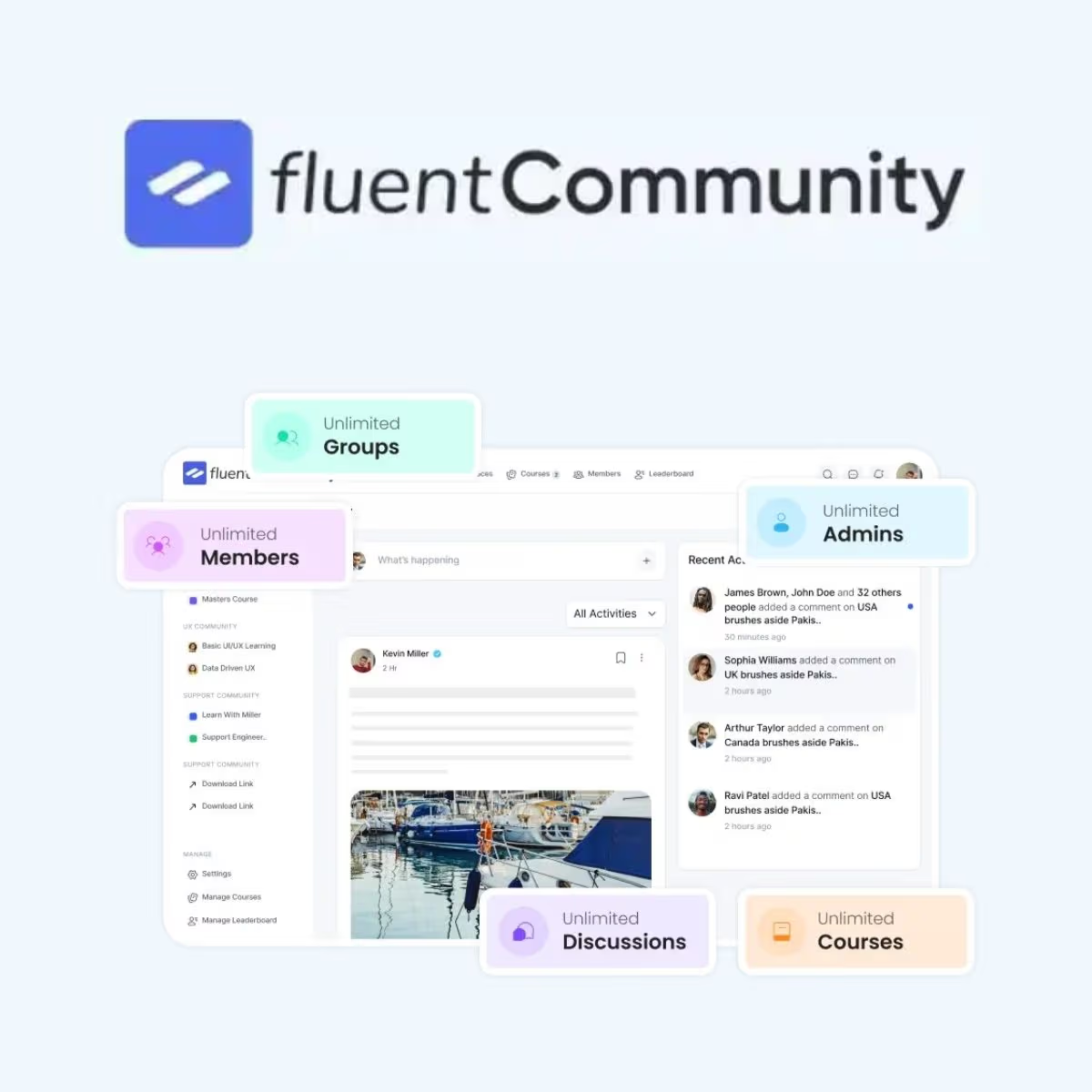
FluentCommunity Pro
- Very cheap price & Original product !
- 100% Clean Files & Free From Virus
- Unlimited Domain Usage
- Free New Version
- Product Version : 2.10.01
- License : GPL
$3.49
Description
FluentCommunity Pro – Powerful WordPress Community & Membership Platform
FluentCommunity Pro is a powerful WordPress community platform designed to help businesses, educators, creators, membership sites, and organizations build engaging online communities directly inside WordPress. Instead of relying on multiple disconnected services, FluentCommunity Pro provides a centralized environment for bringing members, discussions, learning content, groups, and community activities together.
Whether you are creating a private membership community, an online course community, a customer portal, a professional network, or a social learning platform, FluentCommunity Pro gives WordPress developers and site owners a flexible foundation for creating a branded community experience.
With a focus on performance, streamlined administration, and WordPress-native functionality, FluentCommunity Pro is well suited to projects that need more than a basic forum while avoiding the complexity of building a community platform completely from scratch.
Feature Highlights
- 👥 WordPress Community Platform: Build a dedicated social and community experience directly within your WordPress website.
- 💬 Community Discussions: Encourage members to communicate, share ideas, ask questions, and participate in ongoing conversations.
- 🏘️ Groups & Community Spaces: Organize members around specific interests, courses, teams, projects, or topics.
- 🎓 Community-Based Learning: Create an environment where courses, educational resources, and community interactions can work together.
- 🔐 Private Community Experiences: Build member-focused areas for organizations, customers, students, teams, or paid communities.
- ⚡ Performance-Focused Approach: Designed as a WordPress community solution with an emphasis on efficient and modern site experiences.
- 🧩 WordPress Ecosystem Compatibility: Use your existing WordPress website as the foundation for extending your community and membership experience.
- 🛠️ Developer-Friendly Foundation: Suitable for WordPress professionals who need to customize and adapt their community project to specific business requirements.
Detailed Overview
Building an active online community can increase engagement, improve customer relationships, encourage knowledge sharing, and create new opportunities for membership-based businesses. However, combining social interaction, member management, learning, and website content can quickly become complicated when using unrelated tools.
FluentCommunity Pro provides a centralized WordPress-based foundation for creating a more connected community experience. It allows businesses and developers to bring community interactions closer to their existing website instead of forcing members to move between multiple platforms.
Build a Branded WordPress Community
Create a community experience that lives within your WordPress website and can be adapted to your brand, content strategy, and audience. This is useful for companies that want to retain control over their community environment rather than sending members to an external social platform.
Create Engaging Member Discussions
Give members a place to interact, ask questions, exchange knowledge, and participate in conversations. A structured community environment can help turn a static website into a more engaging destination where visitors have reasons to return.
Organize Members Into Groups
Different audiences often need different spaces. Use community groups or spaces to organize discussions around courses, interests, customer segments, teams, projects, professional topics, or other relevant categories.
Combine Community and Learning
For educators and course creators, a community can complement traditional learning content by giving students a place to discuss lessons, exchange ideas, ask questions, and connect with other learners.
Support Membership-Based Businesses
FluentCommunity Pro can serve as a foundation for membership communities, private customer areas, professional networks, coaching communities, online clubs, and other member-driven websites. Your WordPress installation remains the central hub for managing your digital presence.
Designed for WordPress Projects
Because FluentCommunity Pro is built for the WordPress ecosystem, it can be a practical option for developers and agencies already working with WordPress. Instead of creating a complete community application from the ground up, developers can start with a dedicated community solution and adapt the project around their specific requirements.
Comparison Table
| Capability | FluentCommunity Pro | Basic WordPress Website | External Community Platform |
|---|---|---|---|
| Dedicated community functionality | ✓ | ✗ | ✓ |
| WordPress-based environment | ✓ | ✓ | ✗ |
| Member discussions | ✓ | △ Requires additional functionality | ✓ |
| Community groups/spaces | ✓ | △ | ✓ |
| Community + learning use cases | ✓ | △ Requires additional configuration | △ Depends on platform |
| Branding control | ✓ | ✓ | △ Platform dependent |
| Integration with existing WordPress site | ✓ | ✓ | △ Usually external |
| Suitable for private communities | ✓ | △ Requires customization | ✓ |
| Developer customization potential | ✓ | ✓ | △ Platform dependent |
This comparison is intended for general positioning. Exact capabilities and compatibility can vary according to the FluentCommunity Pro version, WordPress environment, installed extensions, integrations, and configuration.
Installation Guide
- Prepare your WordPress website: Make sure WordPress is updated and that your hosting environment meets the product’s current requirements.
- Create a backup: Back up your WordPress files and database before installing or updating community software.
- Upload the plugin: From your WordPress dashboard, navigate to Plugins > Add New > Upload Plugin and upload the supplied FluentCommunity Pro ZIP file.
- Install and activate: Select Install Now and activate the plugin after WordPress completes the installation.
- Review the settings: Open the FluentCommunity settings and configure the community’s basic options according to your project requirements.
- Configure your community: Set up your preferred community areas, groups, member experience, and other available options.
- Configure supporting integrations: If your project uses membership, learning, email, or other WordPress integrations, configure them according to the relevant documentation.
- Customize the experience: Adjust branding, navigation, pages, permissions, and other available settings to match your website.
- Test member workflows: Create a test account and verify registration, login, community access, discussions, groups, and other important member journeys.
- Launch: Once everything works as expected, publish your community and invite your audience to participate.
Best practice: Always test major plugin updates and configuration changes on a staging environment before applying them to a production website. Exact installation and integration requirements may differ between versions.
Licensing Information
FluentCommunity Pro is distributed through the wpshop.net GPL product model. Use the software according to the applicable GPL terms and the license documentation supplied with your product distribution.
- 📜 GPL Product: Distributed under the applicable GPL framework through the wpshop.net product model.
- 🔄 Lifetime Free Updates: wpshop.net provides lifetime free updates for available updates distributed through its service.
- 📧 Limited Email Support: wpshop.net provides limited support by email for supported product-related questions and issues.
- 🌐 WordPress Required: FluentCommunity Pro is intended for use with a compatible WordPress installation.
- 🔌 Third-Party Services: Hosting, email delivery services, payment providers, external APIs, and other third-party services may involve separate requirements or costs.
- 🛠️ Custom Development: Bespoke modifications, custom integrations, extensive troubleshooting, and advanced development work are not included as standard limited support.
Important: Always check the documentation and requirements for your specific product version before installing it on a production website.
FAQs
What is FluentCommunity Pro?
FluentCommunity Pro is a WordPress community solution designed to help businesses, educators, creators, membership sites, and organizations build online communities directly within WordPress.
Who is FluentCommunity Pro suitable for?
It can be suitable for course creators, online educators, membership businesses, customer communities, professional networks, coaches, organizations, agencies, and businesses that want to create a branded community experience.
Can FluentCommunity Pro be used for an online course community?
Yes. A community platform can complement online learning by giving students a place to communicate, ask questions, exchange ideas, and interact around educational content. The exact learning functionality depends on the integrations and features available in your version.
Can I create private or member-only communities?
FluentCommunity Pro can be used as a foundation for private and member-oriented community experiences. Access control and membership behavior should be configured according to the specific WordPress membership tools and integrations used on your website.
Can developers customize FluentCommunity Pro?
Yes. WordPress developers can customize the surrounding website, branding, integrations, workflows, and other supported aspects according to project requirements. Customization scope depends on the product version and the developer’s technical approach.
Does wpshop.net provide updates and support?
Yes. wpshop.net provides lifetime free updates for available product updates and limited support via email. Standard support is intended for supported product-related questions and issues; custom development and extensive technical modifications may require separate assistance.
Why Choose FluentCommunity Pro?
FluentCommunity Pro is a strong choice for WordPress professionals who want to transform an ordinary website into a dedicated member-driven community. It provides a focused foundation for connecting people, organizing discussions, supporting groups, and creating richer member experiences without requiring you to build an entire community platform from the ground up.
- 👥 Community-first approach: Build an online space centered around member interaction and engagement.
- 💬 Better audience engagement: Encourage conversations, questions, knowledge sharing, and recurring participation.
- 🏘️ Organized community spaces: Structure your audience around groups, interests, courses, teams, or other topics.
- 🎓 Excellent for learning communities: Complement courses and educational content with social interaction.
- 🔐 Member-oriented experiences: Create private community areas for customers, students, members, or professional groups.
- ⚡ WordPress-focused solution: Keep your community close to the WordPress website and ecosystem you already manage.
- 🧩 Flexible foundation: Adapt the community experience to different business, educational, and organizational models.
- 🛠️ Developer-friendly: Give WordPress developers a dedicated platform to build upon rather than starting from zero.
- 🔄 Lifetime free updates: Receive available updates through the wpshop.net GPL distribution.
- 📧 Limited email support: Get supported product-related assistance through the available wpshop.net email support channel.
Turn your WordPress website into a more engaging digital community with FluentCommunity Pro. Build member spaces, encourage meaningful conversations, connect communities with learning experiences, and create a branded environment your audience can return to. Get FluentCommunity Pro today and start building a WordPress community designed around your business, members, and long-term growth.
You must be logged in to post a review.

Reviews
There are no reviews yet.