

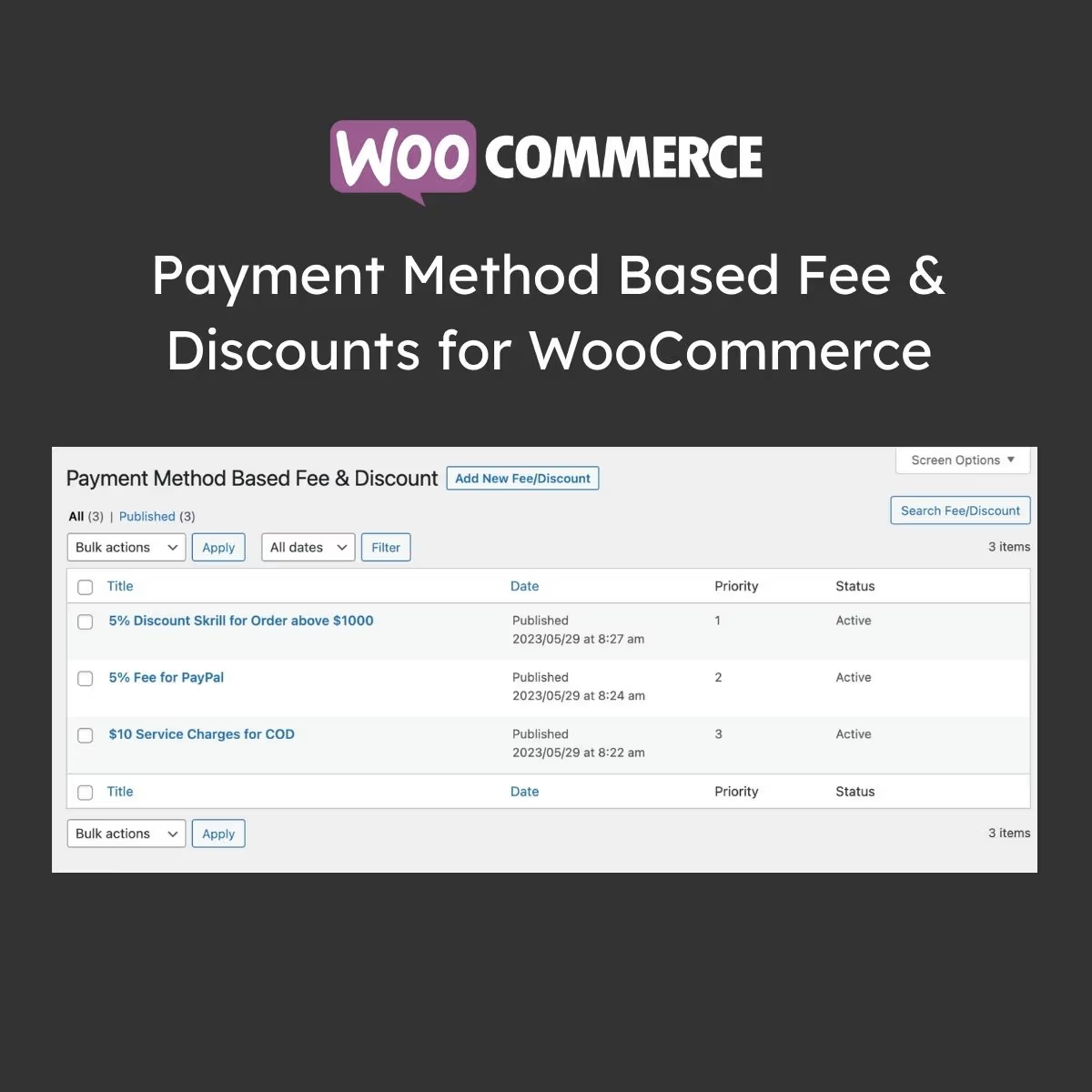
Payment Method Based Fee & Discounts for WooCommerce
- Very cheap price & Original product !
- 100% Clean Files & Free From Virus
- Unlimited Domain Usage
- Free New Version
- Product Version : 1.2.0
- Product Last Updated : 23.06.2026
- License : GPL
$3.99
Description
Auto Update Cart for WooCommerce
Auto Update Cart for WooCommerce is a practical WordPress plugin designed to improve the WooCommerce shopping experience by automatically refreshing cart information when customers change product quantities or other cart-related values. It helps reduce unnecessary clicks and makes the cart process feel faster, smoother, and more intuitive.
For WooCommerce store owners, eCommerce businesses, developers, and agencies, this plugin provides a focused solution for streamlining cart interactions without requiring customers to repeatedly click a manual update button after changing quantities.
Whether you operate a small online shop, a high-volume eCommerce store, or a custom WooCommerce project, Auto Update Cart for WooCommerce can help create a more convenient purchasing workflow while reducing friction between product selection and checkout.
Feature Highlights
- 🛒 Automatic Cart Updates: Refresh WooCommerce cart quantities automatically when customers modify applicable cart values.
- ⚡ Smoother Shopping Experience: Reduce unnecessary manual actions and make cart adjustments feel faster and more intuitive.
- 🔄 Dynamic Cart Interaction: Help customers see updated cart totals and quantities without relying on repeated manual update actions.
- 📱 Mobile-Friendly Workflow: Improve the convenience of cart management for shoppers using smartphones and tablets.
- 🧩 WooCommerce-Focused Functionality: Built around the familiar WooCommerce cart workflow rather than replacing your entire eCommerce system.
- 💻 Developer-Friendly Solution: Useful for WordPress developers and agencies looking to improve cart usability in WooCommerce projects.
- 🎯 Conversion-Focused UX: Reduce small usability barriers that can interrupt customers while reviewing their cart before checkout.
- 🔄 Lifetime Free Updates: Receive lifetime free updates from wpshop.net, subject to product availability, compatibility, and applicable licensing terms.
Detailed Overview
Auto Update Cart for WooCommerce addresses a simple but important part of the online shopping journey: changing items in the cart. In a standard WooCommerce workflow, customers may need to modify a quantity and then manually trigger an update before the cart reflects the new values. Removing unnecessary interaction can make the process more seamless.
The plugin is designed to automatically update the WooCommerce cart when applicable quantities are changed, helping customers see current cart information with less effort. This can be particularly useful for stores where shoppers frequently adjust quantities before proceeding to checkout.
For eCommerce store owners, small improvements to the shopping experience can make the website feel more polished and responsive. A streamlined cart can help customers quickly review product quantities and updated totals instead of wondering whether their latest changes have been applied.
For developers and agencies, the plugin can provide a focused enhancement when a client wants a more dynamic WooCommerce cart without implementing a large custom cart system. It can be useful for stores selling physical products, wholesale items, consumables, accessories, apparel, household goods, or other products where quantity changes are common.
The plugin can also complement broader WooCommerce conversion optimization efforts. Clear product information, responsive page performance, transparent shipping costs, intuitive navigation, secure checkout, and a simple cart experience all contribute to a stronger purchasing journey. Auto Update Cart for WooCommerce focuses specifically on reducing friction within cart quantity management.
From an SEO, GEO, and E-E-A-T perspective, remember that plugins do not automatically produce search rankings or conversions. Store owners should combine a smooth shopping experience with accurate product information, clear pricing, transparent policies, trustworthy business details, strong technical SEO, fast performance, accessible content, and genuinely useful product descriptions.
Comparison Table
| Capability | Auto Update Cart for WooCommerce | Default WooCommerce Cart Workflow | Custom Cart Development |
|---|---|---|---|
| Automatic Quantity-Based Cart Refresh | ✓ | Typically requires manual update action | ✓ |
| Focused WooCommerce Enhancement | ✓ | ✓ | ✓ |
| Reduced Cart Interaction Friction | ✓ | Limited | ✓ |
| Useful for Quantity-Heavy Stores | ✓ | Requires additional interaction | ✓ |
| Custom Development Required | Minimal / Product Configuration Dependent | None | Yes |
| Developer Customization Potential | ✓ | ✓ | ✓ |
| Lifetime Free Updates from wpshop.net | ✓ | WooCommerce Release Dependent | ✗ |
| Limited Email Support from wpshop.net | ✓ | Official WooCommerce Support Channels | Developer Dependent |
Comparison is a general overview of common implementation approaches. Exact behavior and compatibility can vary according to WooCommerce, WordPress, theme, plugin, browser, caching, and hosting configurations.
Installation Guide
- Back Up Your Store: Create a complete backup of your WordPress files and database before installing a new WooCommerce extension on a production website.
- Check Compatibility: Confirm that your WordPress, WooCommerce, PHP environment, active theme, and other extensions meet the product’s recommended requirements.
- Upload the Plugin: From the WordPress dashboard, go to Plugins → Add New → Upload Plugin and upload the supplied plugin ZIP file.
- Install the Plugin: Select the plugin package and complete the WordPress installation process.
- Activate It: Activate Auto Update Cart for WooCommerce from the WordPress Plugins screen.
- Review Available Settings: If the installed version provides configuration options, review them and adjust the plugin according to your store’s cart workflow.
- Test Cart Quantity Changes: Add products to the cart, change quantities, and verify that the cart information refreshes as expected.
- Test Different Products: Check products with different prices, quantities, variations, discounts, taxes, and other applicable WooCommerce rules.
- Test Mobile & Desktop: Verify the cart experience across common browsers and screen sizes.
- Check Checkout: Confirm that updated cart quantities, totals, shipping calculations, discounts, and checkout information behave correctly before enabling the functionality for customers.
Important: Always test WooCommerce extensions alongside your active theme, payment gateways, caching system, optimization plugins, shipping tools, discounts, subscriptions, and other extensions. Store-specific customizations can affect cart behavior.
Licensing Information
Auto Update Cart for WooCommerce is offered through wpshop.net under its GPL-focused WordPress product model. Use the plugin according to applicable GPL licensing requirements and the licensing conditions associated with any third-party components included with or required by the product.
wpshop.net provides limited support via email for product-related questions. Standard support does not include custom plugin development, bespoke WooCommerce modifications, server administration, theme debugging, payment gateway configuration, or troubleshooting caused by unrelated third-party extensions.
Lifetime free updates are provided by wpshop.net at no additional update fee, subject to product availability, compatibility, and applicable licensing terms. WooCommerce, WordPress, payment gateways, themes, hosting services, and other third-party components remain subject to their respective developers’ licensing and update policies.
Before updating a production store, it is recommended to maintain a current backup and test major WordPress, WooCommerce, theme, and plugin updates on a staging environment whenever possible.
FAQs
1. What does Auto Update Cart for WooCommerce do?
Auto Update Cart for WooCommerce is designed to automatically refresh cart information when customers change applicable product quantities, reducing the need for an additional manual cart-update action.
2. Who should use this WooCommerce plugin?
It is useful for WooCommerce store owners, online retailers, developers, agencies, and businesses that want to make cart quantity management more convenient for customers.
3. Can it improve the WooCommerce shopping experience?
Yes. By reducing unnecessary interactions when customers change quantities, the plugin can make cart management feel more streamlined and responsive. The overall impact depends on the store’s theme, plugins, performance, and customer journey.
4. Will the plugin work with every WooCommerce theme and plugin?
Compatibility can vary. WooCommerce stores frequently use customized themes, cart templates, caching systems, optimization tools, discount plugins, subscriptions, and other extensions. Test the plugin in your specific environment before deploying it to a live store.
5. Does Auto Update Cart for WooCommerce guarantee higher sales or conversions?
No. The plugin addresses cart usability rather than guaranteeing conversion or revenue improvements. Sales performance depends on many factors including products, pricing, trust, traffic quality, page speed, checkout design, shipping, payment options, and overall customer experience.
6. Does wpshop.net provide updates and support?
Yes. wpshop.net provides lifetime free updates and limited email support for product-related questions, subject to product availability, compatibility, and applicable licensing terms.
Why Choose Auto Update Cart for WooCommerce?
Cart usability can have an outsized effect on the shopping experience. Customers expect online stores to respond quickly when they change quantities, and unnecessary manual actions can make an otherwise straightforward purchasing process feel cumbersome.
- Focused functionality: Improve a specific WooCommerce cart interaction without replacing your entire eCommerce system.
- Better customer convenience: Help shoppers update cart quantities with fewer manual actions.
- Useful for developers: Add a practical cart enhancement to client stores without starting from a completely custom implementation.
- Suitable for many store types: Useful for retailers where customers frequently adjust quantities before checkout.
- Supports a broader UX strategy: Pair automatic cart updates with fast hosting, optimized images, clear product information, transparent pricing, and a streamlined checkout.
- Long-term value: Benefit from lifetime free updates from wpshop.net and limited email support for product-related questions.
Ready to make WooCommerce cart management more convenient? Add Auto Update Cart for WooCommerce to your store and reduce unnecessary cart interactions for your customers. Create a smoother quantity-editing experience, simplify the path toward checkout, and give your WooCommerce store the focused usability improvement it needs.
You must be logged in to post a review.

Reviews
There are no reviews yet.